Terminal-Bible
Project information
- Category: Python
- Project date: August, 2020
- Project URL: https://github.com/RobertWestbrook/Terminal-Bible
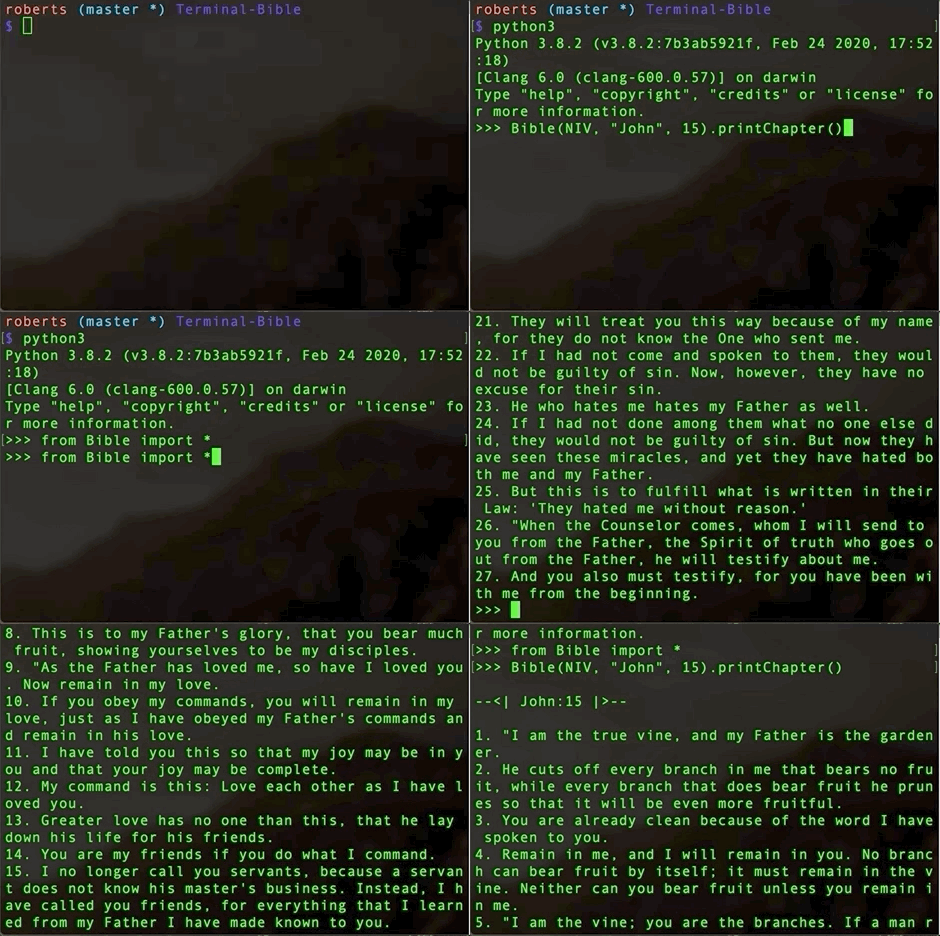
The Terminal-Bible was birthed out of a challenge given to me by a Coding mentor who encouraged me to make something useful with my skills at the time. The foundation of this app was just to be a class that could be displayed in a Terminal or Command-Line prompt directly from the Python Shell. After I accomplished that I decided to continue the project further by adding a GUI component to it. Currently the app is fully functional; however, I still have many more components I will be adding to it as time goes on.
The Logic
When I recieved this challenge, the only material I recieved was a set of XML files containing different translations of the Bible. My task then was to
use Python to parse these documents and allow for each book, chapter, and verse to be identified and called at will. Using Object Oriented Programming (OOP)
and the Python framework Elementree, used for XML parsing, I was able to create a Bible class that contained callable dictionaries of every element in
the document. This then allowed me to create functions that employed 'for-loops' to itterate through these dictionaries and properly call specific Book/Chapter/Verse
combinations and print them to the Terminal or return them in another data-stucture such as a string or list.
Having created the Bible Class, I was able to use this as an API to connect to the UI in I created usingPyQt5. Because the Bible class was comprised of dictionaries, it
was easy to create dynamic ComboBoxes that updated based on the users input. Each time the User selects a book, the program searches the Bible the the appropriate number of chapters to
add to the Chapter Combo box. Then based on the user in put the GUI will then call the function .readChapter function and print that to the text area of the display.
Tech Stack Used:
Python
PyQt5